Creator Account Trackers for Finding New Activity After a Long Hiatus
When a creator stops posting, silence alone does not prove retirement, suspension, or a move to another platform. Likewise, finding a similar username or a newly active account does not prove that the creator has returned.
The safest approach is to build an identity chain from public evidence. Start with sources already connected to the creator, compare creative credits and collaborators, inspect the history of the possible new account, and then observe whether real publishing activity has resumed.
The goal is not simply to find an account with a familiar name. It is to determine whether the old identity connects to the new account and whether the creator has actually resumed meaningful activity.
Existing Official Account Links
The strongest starting point is the creator’s existing public presence.
Revisit the last posts, pinned announcements, profile biography, official website, newsletter, portfolio, repository profile, app-support page, and other accounts known to belong to the creator.
Look specifically for transition language such as:
- New account
- New platform
- New portfolio
- Project migration
- Updated contact information
- New publisher or studio
- Future activity location
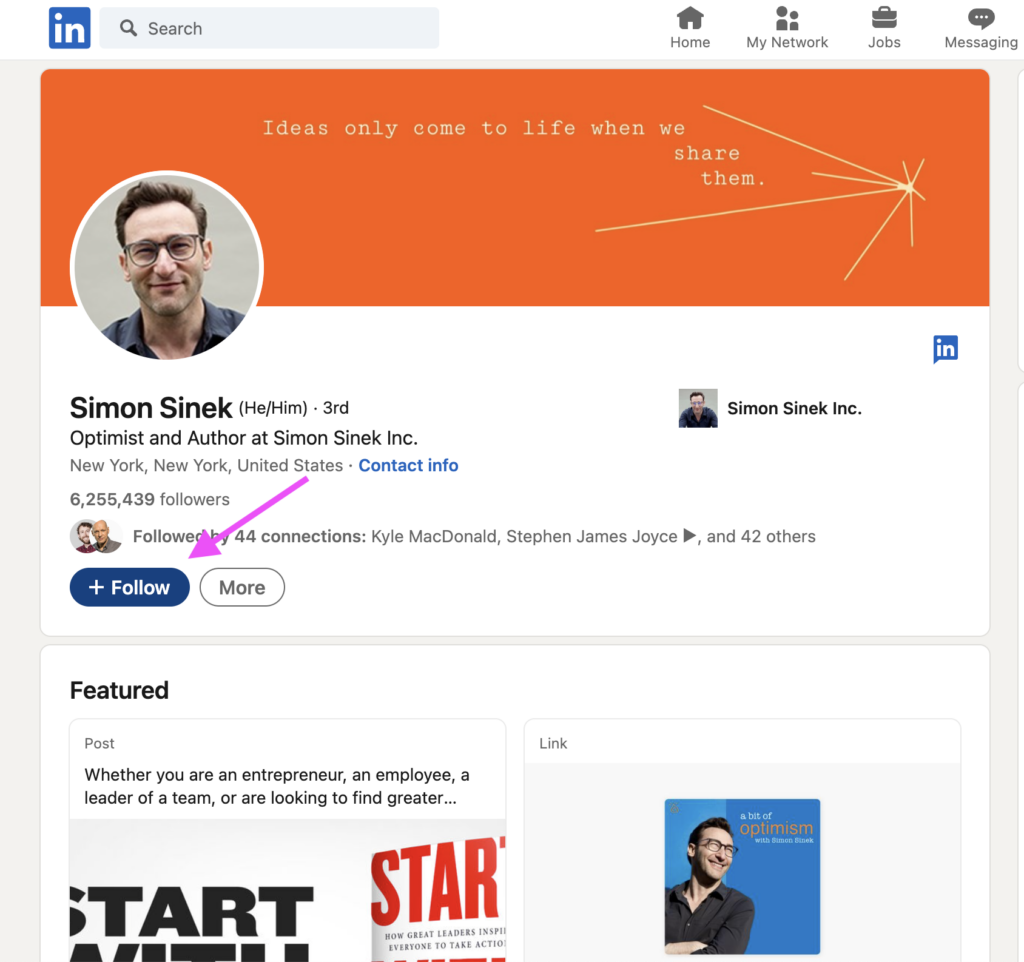
A link from an established account to a new profile is much stronger evidence than a new account claiming to be the creator.
Reciprocal linking is even stronger. For example, the old portfolio links to the new account and the new account links back to the same established portfolio.
Fan-created guides, wiki pages, and community comments can help discover possible new names, but they should remain starting points. Verify the connection through first-party pages before treating the identity as confirmed.
Archived pages can also help when an old profile or website has already been changed. The Internet Archive’s Wayback Machine preserves snapshots of public web pages and can sometimes reveal a previous profile link or announcement that is no longer visible on the current page.
Creative Credit Continuity
A similar drawing style, writing tone, avatar, or username is weak identity evidence.
Instead, compare information that tends to remain connected to professional work.
Useful continuity signals include:
Copyright or credit name
Does the new work use the same pen name, legal credit, copyright holder, or studio name?
Known collaborators
Are the same editor, publisher, producer, illustrator, musician, developer, or production company involved?
Portfolio address
Does the new profile point to a website or portfolio already associated with the creator?
Project history
Does the new account correctly reference earlier projects in a way consistent with official credits?
For developers, signed repository activity can provide an additional technical signal. GitHub verifies GPG, SSH, and S/MIME signatures and marks qualifying commits as verified, helping users determine whether commits came from a trusted signing source.
Even that should not be used alone. A verified commit establishes a relationship with a signing credential, not necessarily that the creator has resumed public creative work.
Multiple continuity signals are more useful than one stylistic similarity.
Collaborator and Publisher Confirmation
Established collaborators can provide an independent identity link.
Check public posts from publishers, production companies, studios, co-creators, editors, agencies, or other people who previously worked directly with the creator.
Strong examples include:
“Our artist X is now publishing under this account.”
“The creator has moved future updates to this platform.”
“New project by X, previously known for Project A.”
A tagged credit in a current project can also be useful when it comes from an established organization already connected to the creator.
However, distinguish official confirmation from ordinary social interaction.
A publisher following the new account is weak evidence. A fan writing “welcome back” is not confirmation. An unrelated account tagging the creator may simply be making an assumption.
The strongest collaborator evidence contains an explicit identity or work connection from a source with a documented previous relationship.
Impersonation Warning Signals
New accounts claiming to belong to inactive creators deserve additional scrutiny because old content is easy to copy.
Several patterns should lower confidence.
Bulk re-uploading of old material
An impersonator can download years of public posts and upload them in a short period. Look at creation dates and posting chronology rather than merely recognizing the images.
Immediate monetization
Be cautious when a newly created account quickly requests sponsorship payments, commissions, cryptocurrency, gift cards, or direct transfers without establishing a credible identity connection.
Inconsistent activity history
A profile claiming years of continuity but created only recently requires explanation.
Missing reciprocal links
If the new account claims to be official while every established creator page remains silent, the identity is still uncertain.
External payment as “verification”
A request to pay money, purchase something, or send financial information to prove that you are a genuine follower is not meaningful identity verification.
X, for example, allows usernames to change, which is another reason a matching or changed handle should not be considered proof by itself.
Old usernames can also eventually become available under platform rules, so username similarity should always be supported by stronger evidence.
Platform Search Combinations
Searching only one username often misses creators who changed names during a break.
Build search combinations by combining known identity details in different ways. Useful patterns include matching a previous pen name with the platform used, a real name with a representative work, an old handle with a project title, or a creator name with the publisher or studio name. Additional combinations can include the project title with the illustrator, the pen name with the associated studio, and searches that pair the creator name with terms like “new account” or “official” along with the current year to identify updated profiles or recent activity.
Search the creator’s major platforms separately because each service indexes profiles differently. The best sources depend on the creator type: illustrators can be checked through portfolio sites, art platforms, publisher credits, and social accounts; writers through publisher pages, serialized-work platforms, author profiles, and book metadata; musicians through label pages, music-service credits, official video channels, and collaborator networks; and developers through repositories, package registries, project sites, and release pages. If current searches do not reveal useful information, review older collaboration pages and archived versions of the creator’s website, as historical pages may contain links that are no longer visible. The Wayback Machine can help revisit preserved versions of public web pages. Search results should be treated as candidate sources for further verification, not as final conclusions.
New Account Discovery and Actual Return
Finding a genuine new account answers only the identity question.
It does not necessarily prove that the creator has resumed regular activity.
A creator might open a new account only to:
- Preserve a username
- Post one migration notice
- Maintain an archive
- Announce retirement
- Answer one question
- Redirect followers elsewhere
A useful return assessment should therefore observe recent activity over a period rather than relying on one greeting post.
Stronger return indicators include:
New original work
Recent material that was not simply copied from the old archive.
Schedule announcements
A publication, streaming, release, commission, or update schedule.
Follow-through
The announced work actually appears afterward.
Current interaction
Responses about active projects, production issues, releases, or collaborations.
Paid-service fulfillment
For creators who offer commissions, memberships, or subscriptions, current delivery of those services is stronger evidence than merely reopening payment links.
A practical classification can be:
Identity confirmed, activity unclear
The new account is convincingly linked to the creator, but little new work has appeared.
Return confirmed
Multiple pieces of new activity have appeared and public plans are being fulfilled.
Regular activity established
New work and updates continue over a meaningful period.
Unconfirmed identity
The account resembles the creator but lacks reliable first-party or collaborator confirmation.
This distinction prevents one “I’m back” post from being described as a complete return to regular publishing.
Evidence-Based Return Assessment
A convincing conclusion normally combines several independent signals.
For example:
The creator’s old portfolio links to the new account, the publisher credits the same creator on a current project, and the account has published three new works over the past month.
That supports both identity and resumed activity.
By contrast:
The new account has the same avatar and reposted several old illustrations.
That remains weak evidence.
The most useful order of investigation is:
old official source → new account link → creative-credit continuity → collaborator confirmation → account-history review → observation of new activity
Public technical signals can support the investigation, but they should not replace identity evidence.
A renewed domain, new certificate, isolated repository commit, or reused username may indicate that something changed. They do not establish who made the change or whether the creator has returned.
The final conclusion should therefore distinguish two questions clearly:
Did we find the creator’s new account?
Has the creator resumed active work?
Only answer the second question after observing recent creation, announced schedules, project participation, or other meaningful activity—not merely the existence of a new profile.